
Hardware selected around your organisation.
Business devices and workplace technology selected, supplied and configured around your users, applications, working environment and budget.
- Laptops and desktop computers
- Monitors and docking stations
- Tablets and business mobile devices
- Workplace peripherals and accessories
Tell us what your users need to do
Business hardware changes quickly. Models, processors, memory options and availability are updated regularly, so a static online catalogue can easily become outdated.
Instead of limiting you to a fixed selection, we can source suitable technology based on your applications, user roles, working environment, preferred brands, required specifications and budget.
Hardware selected for users rather than a product list
Get suitable devices and accessories without having to compare an ever-changing catalogue of technical specifications.
Requirement Led
Devices are selected around user roles, applications and practical working requirements.
Current Technology
Access current business hardware without relying on an outdated fixed product catalogue.
Prepared for Use
Suitable devices can be matched with docks, monitors, power supplies and accessories.
Scalable Supply
Source equipment for individual users, growing teams, office moves and larger deployments.

Devices matched to different users and workloads
Not every employee needs the same computer. General office users, mobile workers, designers, technical teams and power users may all require different levels of performance.
We can help identify suitable business laptops and desktop systems based on how each person works.
- Business laptops for office and mobile working
- Desktop systems for fixed workstations
- Processor, memory and storage specification
- Windows and other operating-system requirements
- Options for general, professional and specialist users
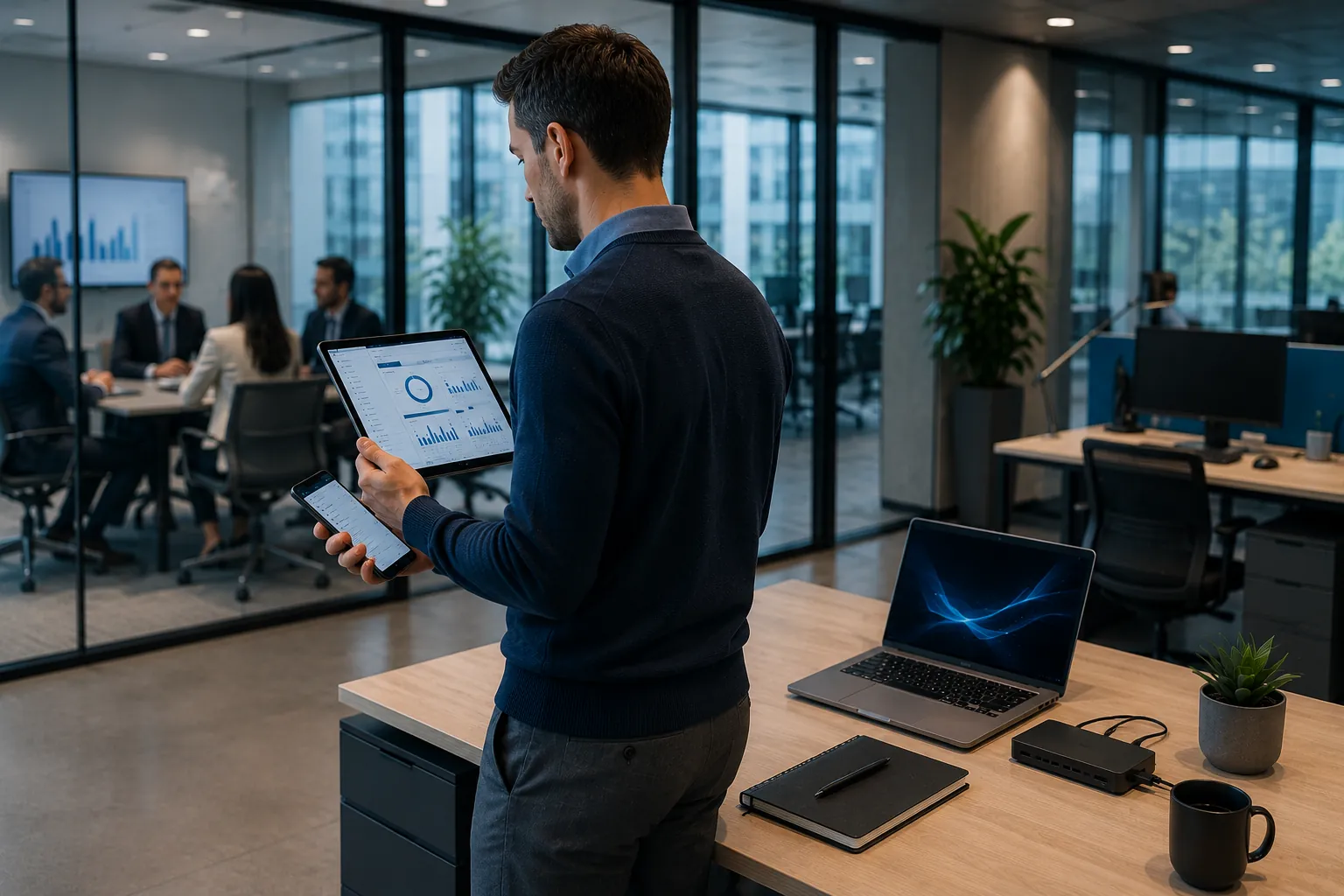
Create a productive and consistent workstation
The right monitor and docking setup can turn a mobile laptop into a comfortable, productive desk-based workstation.
We can help match monitors, docking stations, power supplies and connection standards to your chosen laptops and workplace requirements.
- Single, dual and multi-monitor workstations
- USB-C and compatible docking options
- Suitable resolution and monitor sizes
- Power delivery and device charging
- Organised connectivity for hybrid workers
Devices and accessories for every working environment
Support employees at desks, in meetings, around your premises and while working remotely.
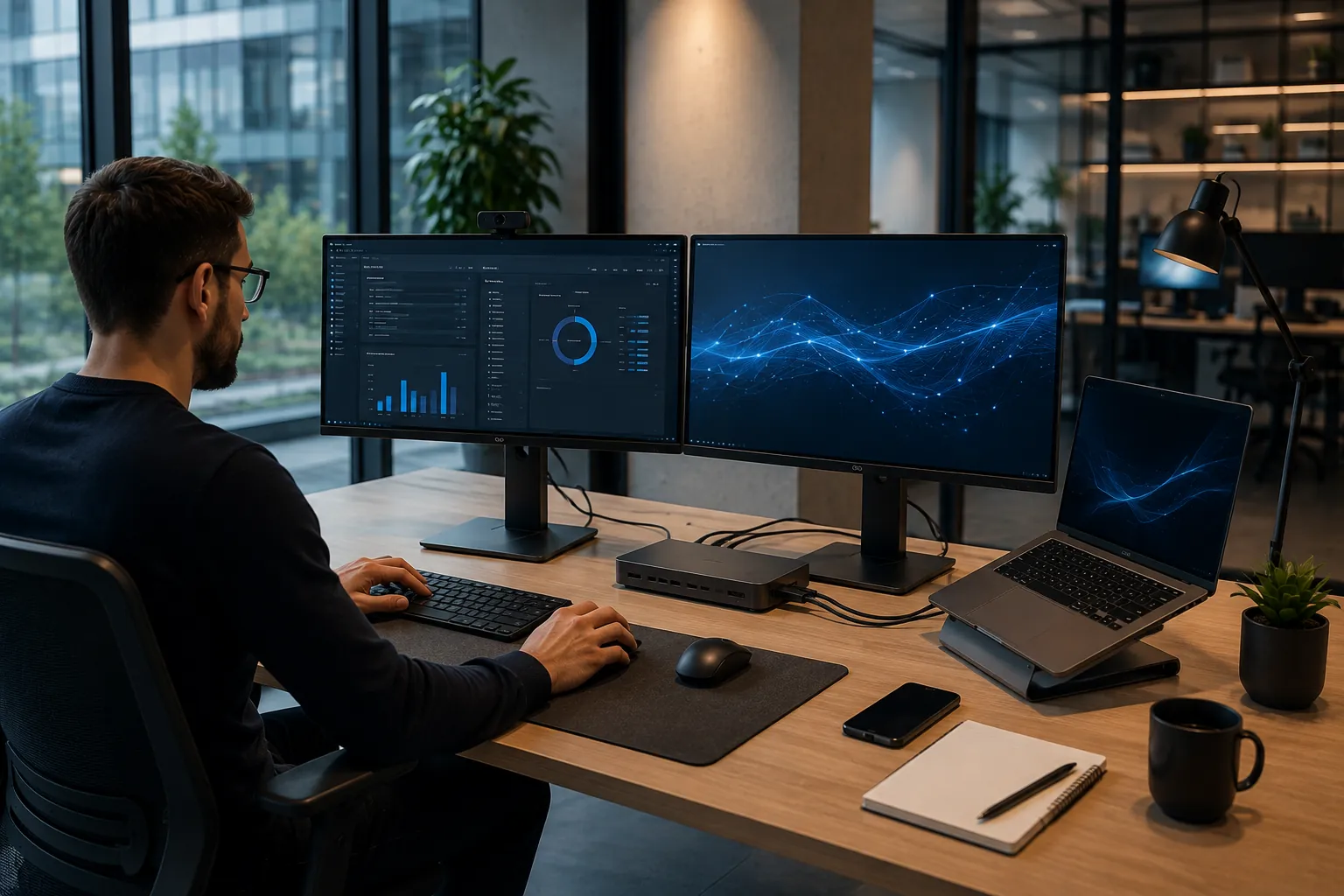
Tablets & Mobile Devices
Provide flexible access to communications, applications and information away from a fixed desk.
- Business tablets and compatible accessories
- Smartphones for mobile employees
- Keyboard, case and charging options
- Devices selected around applications and usage
- Support for office, field and hybrid workers
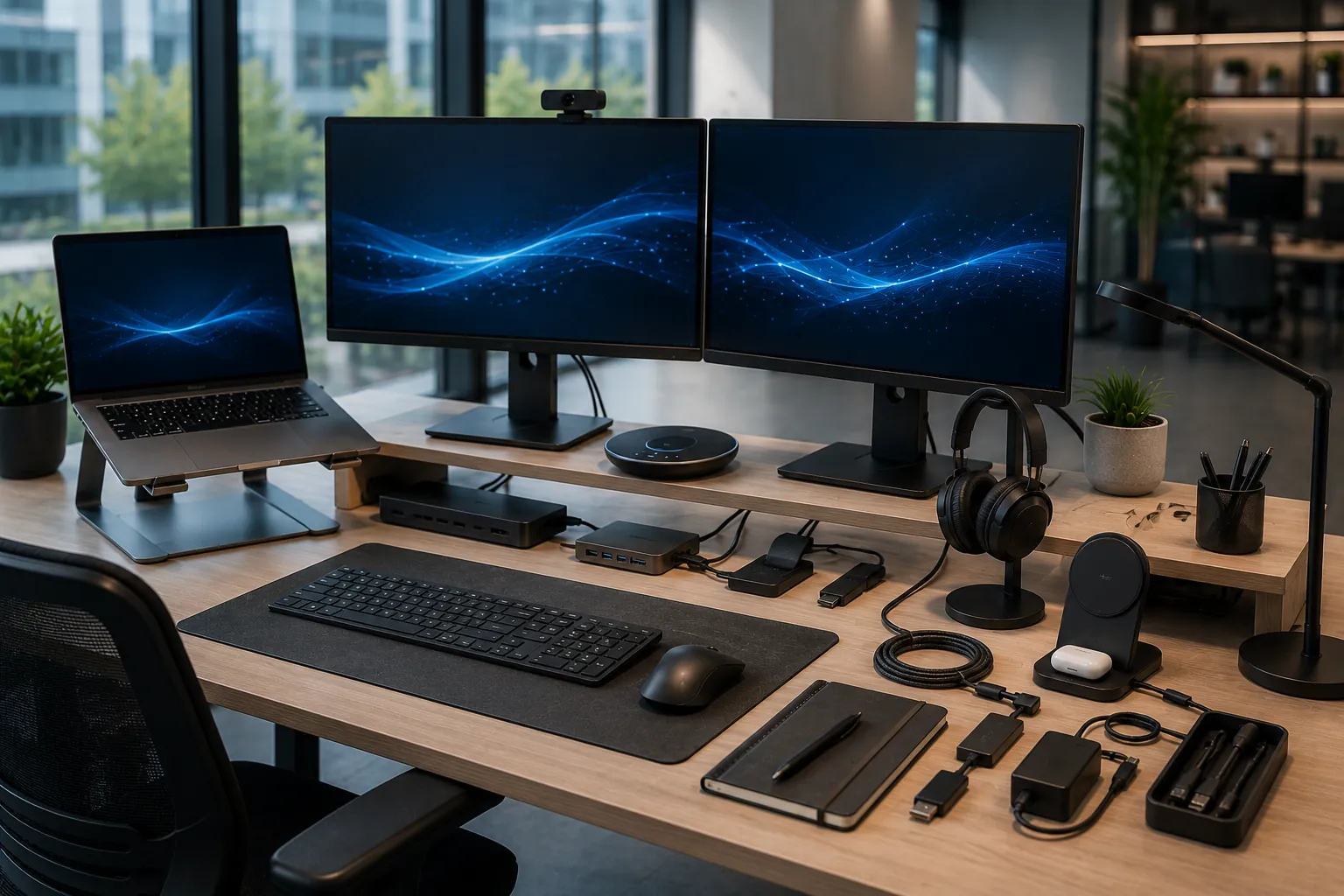
Peripherals & Accessories
Complete each workstation with compatible peripherals, connectivity and charging accessories.
- Keyboards, mice and webcams
- Headsets and speakerphones
- Laptop stands and monitor accessories
- Cables, adapters and charging equipment
- Workplace accessories matched to each device
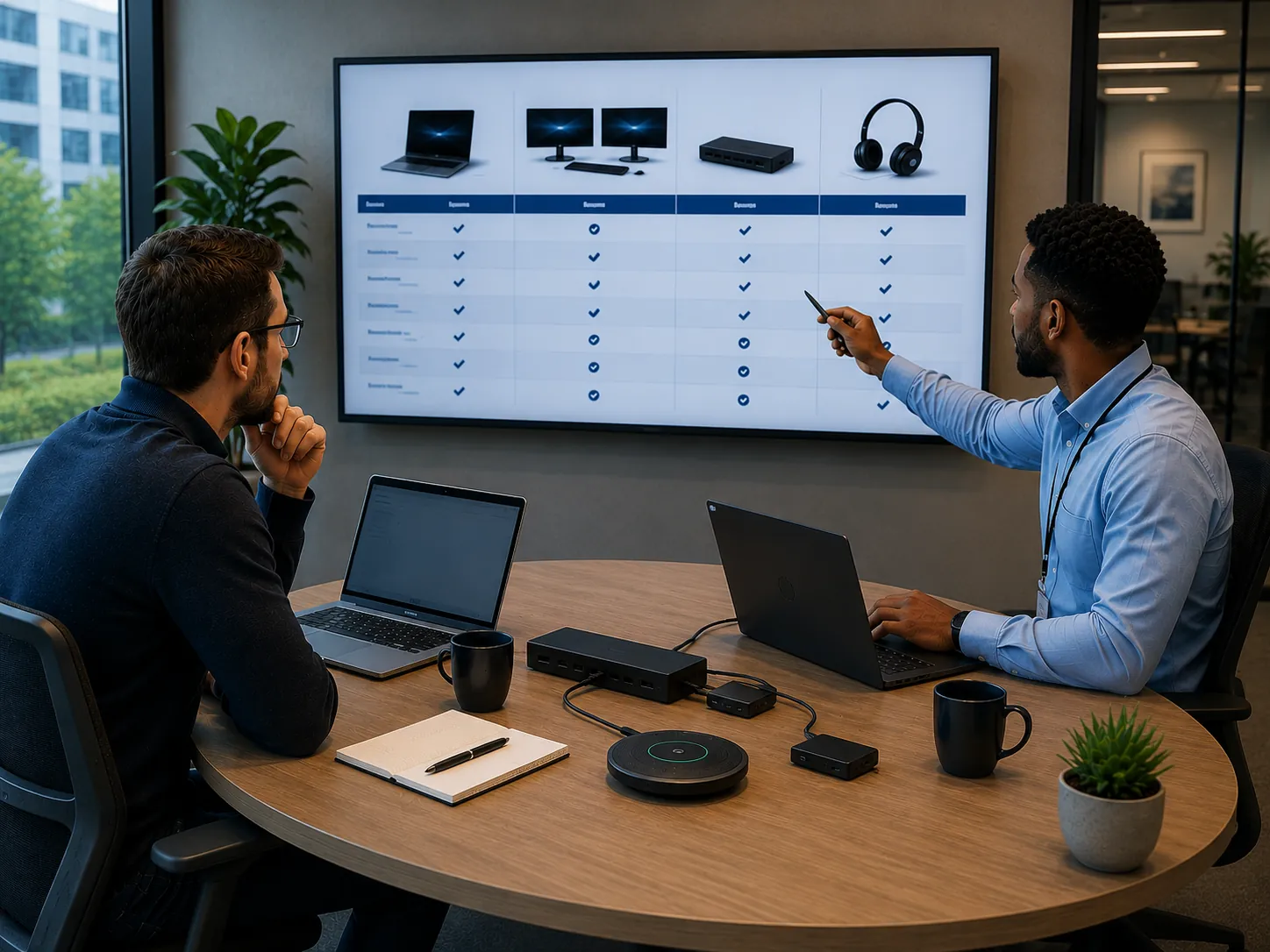
You provide the requirement. We source the solution.
You do not need to arrive with exact model numbers or detailed technical specifications.
Tell us what your users need to achieve, which applications they use, how they work and any preferred brands or budget requirements.
- User and application requirements reviewed
- Suitable current models identified
- Compatible monitors, docks and accessories matched
- Options compared against performance and budget
- Consistent specifications for teams and departments
More than simply delivering unopened boxes
Hardware can be prepared as a coordinated deployment, with devices, docks, chargers and accessories matched for each user or workplace.
This can help reduce internal administration and make it easier to distribute equipment across teams, departments or multiple locations.
- Devices organised by user or department
- Docks, chargers and accessories matched
- Asset and identification labelling options
- Equipment prepared for coordinated delivery
- Support for small and larger deployments
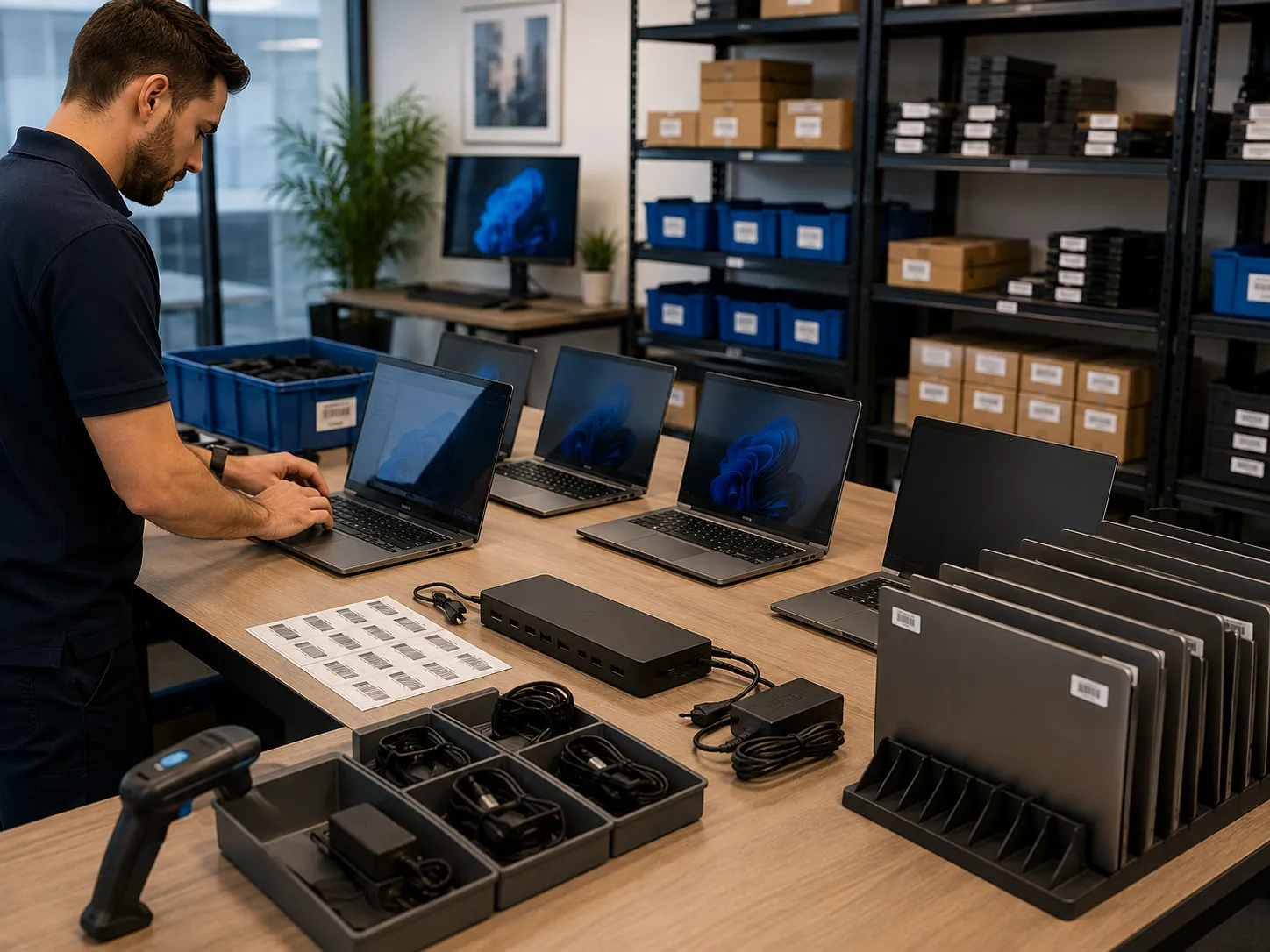
Hardware supplied around your organisation
Suitable Performance
Match processor, memory and storage to the applications each user needs.
Memory & Storage
Select practical capacity for current workloads and future requirements.
Compatible Connectivity
Match docks, ports, adapters and charging standards to selected devices.
Operating Systems
Source devices around your preferred operating system and software environment.
Display Options
Select monitor sizes, resolutions and workstation layouts around each role.
Audio & Video
Add suitable webcams, headsets and speakerphones for meetings and communications.
Organised Deployment
Prepare devices and accessories by user, department or delivery location.
Specialist Advice
Receive practical help comparing current hardware and selecting suitable options.
A straightforward way to source business hardware
Understand
We discuss users, applications, preferred brands, specifications and budget.
Recommend
Suitable current hardware and compatible accessories are identified.
Supply
Agreed devices are sourced from suitable technology manufacturers and distributors.
Prepare & Deliver
Devices and accessories can be organised for users, departments or locations.
Business Hardware questions
Why are laptops and computers not listed online?
Models, specifications, prices and availability change regularly. Rather than maintaining a limited static catalogue, we source suitable current options around your requirements.
Do we need to know the exact specification we require?
No. Tell us about the applications your employees use, how they work, any preferred brands and your approximate budget. We can help identify suitable specifications.
Can you supply different devices for different user roles?
Yes. Different departments and employees may need different performance levels, screen sizes, portability or accessories. Hardware can be grouped around those requirements.
Can you provide monitors, docks and accessories with laptops?
Yes. We can match compatible monitors, docking stations, keyboards, mice, webcams, headsets, chargers, adapters and other workplace accessories.
Can you supply equipment for an office move or new starter programme?
Yes. Hardware can be supplied for individual new starters, expanding teams, office relocations and larger coordinated deployments.
Can we purchase VoIP phones and headsets online?
Yes. Selected VoIP phones and business headsets are available through our online store. Links to those product ranges can be displayed alongside the hardware enquiry form.
Need suitable technology without searching hundreds of models?
Tell us what your employees need to do, which applications they use and how they work. We will help source suitable current devices, displays, docks and accessories.